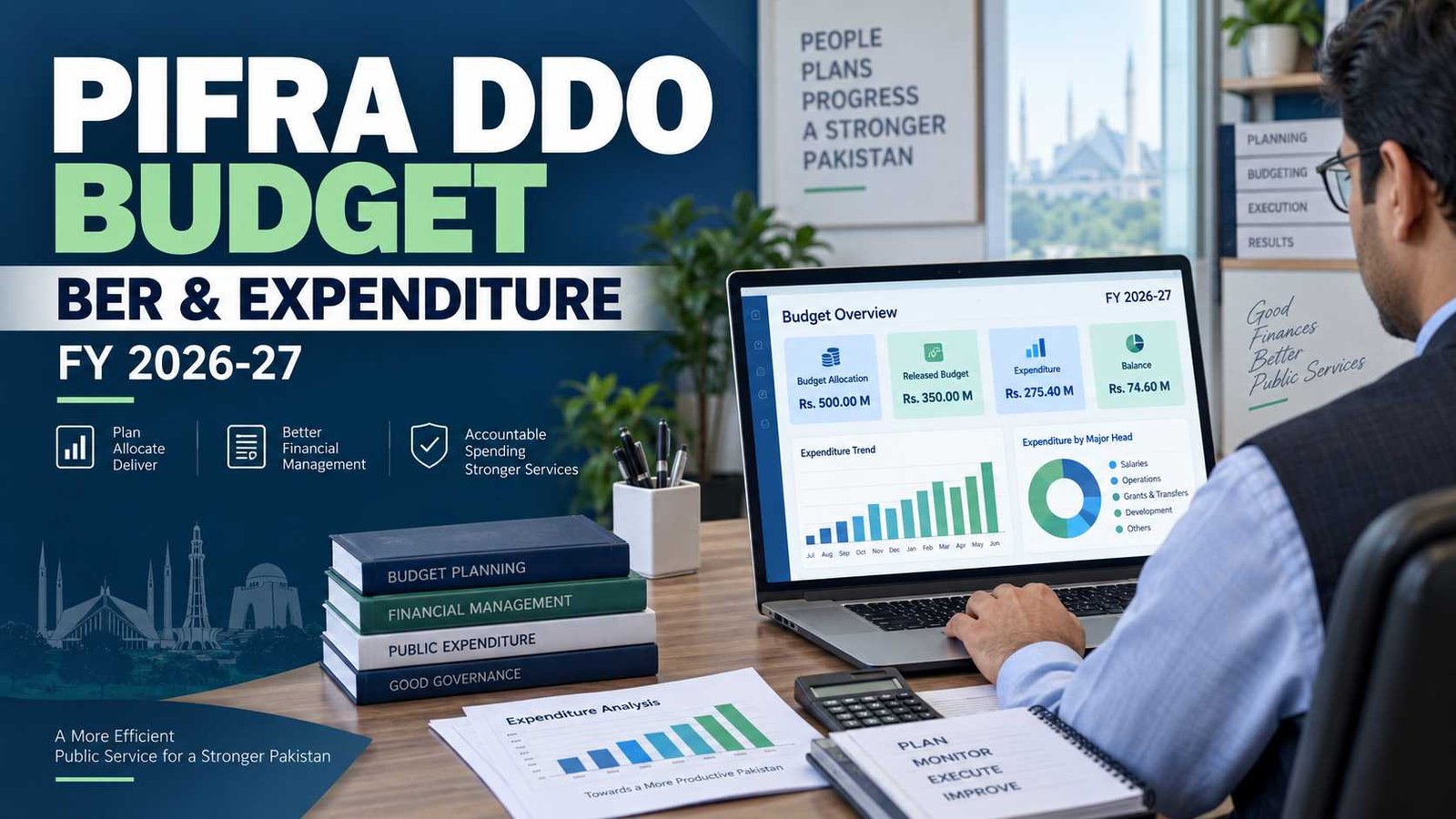
 The PIFRA DDO Budget service allows government departments to check budget and expenditure information against a Drawing and Disbursing Officer, or DDO, record. The current government system is operated through FABS, Financial Accounting & Budgeting System, where DDO Budget Expenditure and Budget Execution Report services are available.
For September 2026, Pakistan is in Fiscal Year 2026-27. The Finance Division has published the Federal Budget 2026-27 and current-year release strategies for both recurrent and development budgets.
Current DDO Budget / BER Information
| Item | Current Information |
|---|---|
| Service | DDO Budget Expenditure |
| Reporting system | FABS |
| Main report | Budget Execution Report |
| Related report | DDO Reconciliation Statement |
| Current fiscal year | FY 2026-27 |
| Budget authority system | Controller General of Accounts / FABS |
| Direct DDO budget application | Current government SAP application |
| Separate username/password screen | Not shown on the current public DDO budget lookup route |
| Key identifier | DDO Code |
| Last verified | September 17, 2026 |
FABS currently lists DDO Budget Expenditure as a quick-access service. It separately provides DDO Reconciliation Statement, PSDP Execution Report and Scheme-wise Budget Execution Report.
Check Official DDO Budget Expenditure
What Is PIFRA DDO Budget?
PIFRA DDO Budget is the commonly searched name for the government system used to view budget and expenditure information associated with a Drawing and Disbursing Officer.
A DDO is responsible for drawing funds and arranging payments for a government office within the authority and budget provided to that office. The online budget report helps an office compare what was budgeted with what has been released and spent.
The official system now operates under FABS. The Controller General of Accounts describes FABS as a SAP-ERP-based government financial management platform designed to support financial reporting, budget management and financial control.
So if you search for terms such as:
PIFRA DDO Budget
PIFRA DDO BER
DDO monthly expenditure
you are generally looking for budget information now delivered through the FABS reporting system.
What Is DDO BER?
DDO BER commonly refers to a Budget Execution Report for a DDO or government cost centre.
A Budget Execution Report helps show how a budget is being used during a financial year. Instead of looking only at the original allocation, the report can show budget releases, actual expenditure and available balances.
AGPR currently identifies DDO Budget & Exp Detail as a Budget Execution Report, while CGA separately lists both Budget Execution Report and DDO Budget & Expenditure Detail among its services.
This is a departmental financial report. It should not be confused with an individual employee’s salary slip or with tracking the status of one submitted bill.
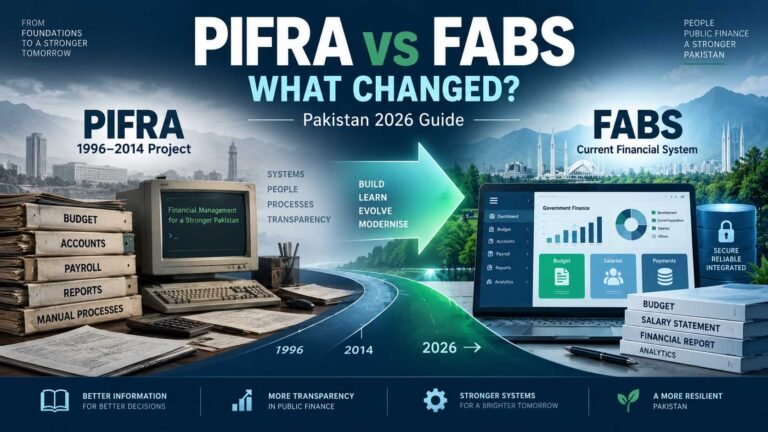
PIFRA vs FABS DDO Budget
Many users still call the service PIFRA because the original financial-reform project was widely known by that name.
According to FABS’ own historical description, PIFRA was implemented at federal, provincial and district levels between 1996 and 2014. After the PIFRA project closed on December 31, 2014, its FABS component was mainstreamed from January 1, 2015.
That explains why both names still appear online.
Today:
PIFRA is still a familiar search term.
FABS is the current government financial accounting and budgeting system.
Some older pifra.gov.pk infrastructure also remains active. The DDO Budget route currently redirects into a government SAP WebDynpro application.
For a fuller explanation, read PIFRA vs FABS: What Changed?
How to Check PIFRA DDO Budget Expenditure Online
Use the official government service rather than submitting departmental information to an unofficial website.
1. Open the Official FABS Website
Go to the Financial Accounting & Budgeting System website operated under the Controller General of Accounts.
Look for:
DDO Budget Expenditure
FABS currently shows it in the Quick Access Services section.
2. Open the DDO Budget Expenditure Application
The current DDO budget route opens a SAP WebDynpro government application.
The legacy DDO address is still operational and currently redirects into that SAP application.
3. Use the Search Fields Shown by the Current Portal
Follow the fields displayed on the live government form.
At minimum, keep your correct DDO Code ready. An official Sindh government page also directs departments to the government DDO service to obtain proposed and actual expenditure using their DDO Code.
Where the current application asks for a fiscal year or government selection, use the information that applies to the report you want to check.
For current transactions in September 2026, the relevant current fiscal year is 2026-27.
Do not copy a government code or DDO code from an unrelated department.
4. Search for the Budget Record
Submit the search after confirming that the DDO information and reporting period are correct.
The resulting budget report is intended to show budget and expenditure information for that DDO record.
5. Check the Relevant Budget Head
Do not look only at the total.
Budget reports can contain separate heads or detailed objects for items such as pay, allowances, utilities, travel, office expenses and other authorized expenditure.
Check the specific budget head relevant to the transaction or expenditure you are reviewing.
6. Review Monthly Information Where Available
Some DDO budget reports provide month-level expenditure detail in addition to overall financial-year figures.
An official Sindh government guidance page specifically notes that users can select a month for more detailed information about proposed budget and actual expenditure.
Do not calculate monthly expenditure by simply dividing an annual figure by 12. Actual government expenditure can vary significantly from month to month.
How to Check a Budget Execution Report
The terminology can be confusing because FABS provides several budget-related services.
For normal DDO budget checking, start with DDO Budget Expenditure.
For broader reporting, FABS also currently lists:
- DDO Reconciliation Statement
- PSDP Execution Report (BER)
- Scheme-wise Budget Execution Report (BER)
These are not necessarily interchangeable.
DDO Budget Expenditure
Use this when you need the budget and expenditure position associated with a DDO.
DDO Reconciliation Statement
Use reconciliation when departmental expenditure figures need to be compared with the accounting-office record.
The Accountant General Sindh describes its DDO Reconciliation Statement as a report that allows the DDO to reconcile the department’s expenditure statement with the AG Office figure.
PSDP Execution Report
FABS describes this as a report showing the latest status of PSDP budget and expenditure.
It serves a different purpose from a routine DDO budget lookup.
Scheme-wise BER
FABS also separately lists a Scheme-wise Budget Execution Report. This is relevant where expenditure needs to be viewed by development scheme rather than only by DDO.
Use the report that matches the financial question you are trying to answer.
Information Needed to Check DDO Budget
The most important identifier is your DDO Code.
Use the code assigned to the relevant government office or DDO record. It is not an employee’s personal payroll number.
Depending on the current version of the FABS application, you may also be asked to identify the reporting period or government selection.
Because FABS uses a live SAP application and its interface may change, follow the field names shown by the current government portal rather than relying on an old screenshot or copied form.
For the current period, remember:
FY 2026-27 covers the current federal budget year.
If you do not know your correct DDO Code, confirm it through your department’s accounts/admin branch or the relevant Accountant General/District Accounts Office rather than guessing.
Read our separate PIFRA DDO Code guide for more information.
Understanding Your DDO Budget Report
Government accounting terminology can make a BER difficult to read the first time.
Here are the main terms you may encounter.
| Term | What It Means |
|---|---|
| Original Budget | The budget originally approved or allocated for the relevant financial year before later adjustments. |
| Released Budget | The amount of budget for which spending authority has been released. The official accounting manual defines a release as authorization from the Finance Ministry permitting a budgetary allocation to be spent, subject to cash availability. |
| Expenditure | Spending recorded against the relevant budget head during the reporting period. |
| Released Budget Balance | The remaining balance against the released amount after expenditure to date. |
| Final Budget | The total budget available after applicable budget adjustments reflected in the system. |
| Supplementary Budget | Additional budget provided where the existing allocation is insufficient or a new service requires funding not included in the original budget. |
| Re-appropriation | Movement of funds from one expenditure item to another within the same budget grant, subject to the applicable financial rules and authority. |
FABS’ accounting manual defines a budget release as authorization permitting an allocation to be spent and defines Supplementary Budget as additional funding where an existing service is underfunded or a new service was not included in the original budget.
Current federal financial rules describe re-appropriation as moving funds from one expenditure item to another within the same budget grant under the prescribed rules.
A FABS Online Billing manual also describes Final Budget as the total budget available and Total Release Balance as budget release minus expenditure to date.
Original Budget Is Not the Same as Available Cash
This is an important distinction.
A department may have an annual budget allocation, but that does not automatically mean the entire amount is available for spending immediately.
Finance Division issues release strategies for recurrent and development budgets. For FY 2026-27, separate release-strategy documents were issued on July 1, 2026.
For day-to-day financial control, therefore, look at the relevant release and expenditure figures, not only the original annual allocation.
What Is a DDO Code?
DDO stands for Drawing and Disbursing Officer.
The DDO Code identifies the relevant drawing/disbursing office or cost centre in the government accounting system. It is used to retrieve the correct office’s financial information.
It should not be described as a personal employee code.
If your DDO Code is wrong, you may retrieve no result or information belonging to a different accounting unit.
If you need help identifying the correct code, read our PIFRA DDO Code guide.
DDO Budget vs PIFRA Bill Status
These two services answer different questions.
| DDO Budget / BER | Bill Status |
|---|---|
| Shows departmental budget and expenditure information | Tracks a particular payment claim |
| Uses DDO/budget information | Uses the bill-tracking information requested by the service |
| Helps monitor allocation, release and spending | Helps determine where a submitted claim stands |
| Can support budget reconciliation | Does not replace a Budget Execution Report |
| Focuses on a department/cost centre | Focuses on an individual payment claim |
FABS describes Bills Status as a service for checking the status of payment claims and says the token is all that is needed for that service. It lists DDO Budget Expenditure separately.
If you need to track a submitted claim rather than inspect a budget, use our PIFRA Bill Status guide.
What Is a DDO Reconciliation Statement?
Budget checking and reconciliation are related, but they are not exactly the same task.
A department maintains its own expenditure record. The accounting office also records expenditure in the official accounting system.
Reconciliation is the process of comparing those figures and identifying differences that need investigation or correction.
FABS describes its DDO Reconciliation Statement as a way to monitor departmental budget allocation and spending through the Budget Execution Report system. Accountant General Sindh more specifically says a DDO can use the report to reconcile its expenditure statement with the AG Office figure.
This report is especially useful for accounts staff who need to make sure departmental expenditure records agree with the accounting-office record.
DDO Budget Not Showing or Report Not Opening
If your DDO budget search returns no useful result, check the simple things first.
Check the DDO Code
Confirm that you are using the code for the correct office.
Do not guess missing characters or copy a code from another department.
Check the Financial Year
A report can look empty if you are checking the wrong reporting period.
For current September 2026 transactions, make sure you are working with the appropriate FY 2026-27 record where applicable.
Check the Government Selection
If the live form asks you to identify a government or accounting jurisdiction, make sure it matches the DDO Code being searched.
Start Again From FABS
Old PIFRA links are still found in bookmarks and search results.
The direct DDO route remains active at the time of verification, but the main FABS website is the best starting point because it shows the currently published government services.
Temporary Portal Problem
If the correct government application does not open, try again later or start again from FABS.
Do not enter departmental financial details into a random third-party form merely because the official site is temporarily unavailable.
Wrong Financial Year or Missing Data
Budget figures belong to a specific fiscal year.
Pakistan’s current federal budget is 2026-27, not simply calendar year 2026. Finance Division currently publishes separate FY 2026-27 federal budget documents and release strategies.
When checking a transaction or budget balance, ask:
Which financial year does this transaction belong to?
Then check that period in the official system.
Also remember that:
Original Budget ≠ Released Budget
and:
Released Budget ≠ Expenditure
These figures answer different questions.
If the data in FABS does not agree with your departmental record, do not alter your own record merely to make the numbers match. The difference should be checked through the normal accounts/reconciliation process.
Official FABS Budget Services
As of September 17, 2026, the official FABS website presents the following relevant services:
DDO Budget Expenditure
For DDO-level budget and expenditure information.
DDO Reconciliation Statement
For monitoring and reconciling departmental budget/expenditure.
PSDP Execution Report (BER)
For PSDP budget and expenditure reporting.
Scheme-wise Budget Execution Report (BER)
For scheme-based budget execution reporting.
Bills Status
For tracking a payment claim. This is a separate service.
DDO Payments Details
A separate payment-related service.
AGPR also currently lists DDO Budget & Exp Detail as a Budget Execution Report and separately lists DDO payment-status reports.
Where to Start
For normal DDO budget checking, start from the official FABS DDO Budget Expenditure service.
For federal AGPR-related reporting, the AGPR website also provides its DDO reporting links.
FABS does not currently label a separate public contact number specifically as a DDO Budget helpline on its main page. If a financial record itself appears incorrect, the appropriate departmental accounts office or relevant Accountant General office may therefore be more useful than contacting a salary-slip or online-bill helpline about an unrelated budget issue.
Frequently Asked Questions
What does DDO BER stand for?
DDO refers to a Drawing and Disbursing Officer, while BER means Budget Execution Report. The report is used to view how a government budget is being executed through allocation, releases and expenditure.
Is PIFRA DDO Budget still available in 2026?
Yes. The service now appears through the current FABS structure as DDO Budget Expenditure. The older government DDO route on the PIFRA domain is also still active and currently redirects into the government SAP application.
What is the current DDO Budget financial year?
As of September 17, 2026, the current federal fiscal year is FY 2026-27. Finance Division publishes the Federal Budget and fund-release strategies for that year.
What information do I need to check DDO Budget?
Keep the correct DDO Code ready and follow the additional search fields shown by the current government application, such as reporting-period or government-selection fields where displayed.
Is DDO BER the same as Bill Status?
No. A BER deals with departmental budget and expenditure. Bill Status tracks a particular payment claim. FABS publishes them as separate services.
Can I calculate monthly DDO expenditure by dividing the annual expenditure by 12?
No. Government expenditure is not necessarily incurred evenly throughout the year. Use the actual monthly figures shown by the reporting system where available.
What should I do if my departmental figures do not match FABS?
Check the DDO Code, financial year and relevant budget head first. If the difference remains, use the normal DDO reconciliation/accounts process. FABS provides a DDO Reconciliation Statement specifically related to comparing budget and expenditure information.
Sources and Verification
Last verified: September 17, 2026
This guide was checked against current official sources including:
- Financial Accounting & Budgeting System, Controller General of Accounts
- Controller General of Accounts
- Accountant General Pakistan Revenues
- Finance Division, Government of Pakistan
- Current government DDO Budget SAP application
The Finance Division currently confirms FY 2026-27 federal budget documents and current-year fund release strategies.
FABS currently confirms DDO Budget Expenditure, DDO Reconciliation Statement, PSDP BER and Scheme-wise BER as separate services.